Get the meeting.
Personalized B2B gifting that gets meetings
GTM Swag helps B2B sales and growth teams in the US send a personal, physical gift to one person at a moment that matters: a new role, a funding round, an event conversation, a renewal. You, your AI agent, a HubSpot workflow or a Clay table picks the gift. A person on your team approves the spend. Better Swag produces and ships it.
- Gifts from $10 plus delivery
- No subscription or platform fee
- US delivery only
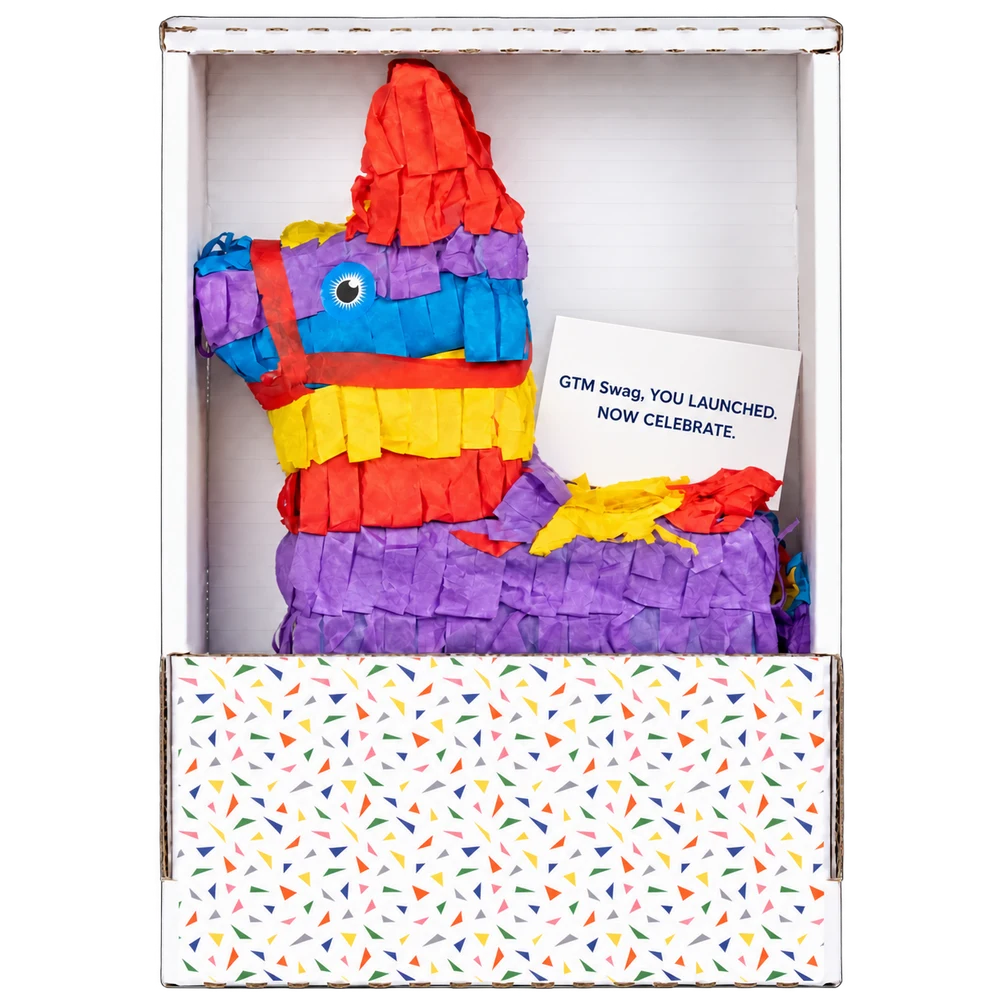
Updated
What GTM Swag does
GTM Swag is a gifting service for go-to-market teams at B2B companies. Each gift is chosen for one person and one moment, carries a printed note from you, and ships to a US address. AI agents and workflow tools can choose gifts, write drafts and add people. Only a person on your team can approve spending.
It is run by Better Swag, whose staff review every order before it is produced and shipped. GTM Swag does not email your prospects. Any gift link or follow-up goes out through your own inbox, sequence or LinkedIn, on your timing.
A gift gives your outreach a reason to be noticed. The conversation still depends on your reason to meet.
How a gift goes from idea to doorstep
-
Pick the moment and the gift
Start from a use case below or the gift catalog. Each gift lists its price, what you supply (a logo, a photo, exact text) and its timing.
-
Write the note
The printed note is yours. Use one fact you know about the person and one reason the gift fits. Every gift comes with a suggested note to edit before anything is approved.
-
Choose how people are added
Add one person from the planner, upload a CSV of up to 500 people, or set up a playbook that a HubSpot workflow, a Clay table or an AI agent adds people to as triggers fire.
-
A person approves the spend
An owner or admin on your team approves each gift in the approval queue, or sets auto-approve on a playbook with a per-gift limit and a monthly budget.
-
Better Swag produces and ships it
Staff review the order, production starts after you approve any proof, and you follow the gift to delivery.
Playbooks and approval, in plain terms
- A playbook is a standing campaign. One gift, one note template and an optional monthly budget. Each time something happens, such as a closed deal, your tool adds that person.
- Adding a person charges nothing on its own. The gift waits in a queue until an owner or admin approves it, unless auto-approve is on and the gift fits the per-gift limit, the monthly budget and the prepaid balance.
- Some gifts always wait for a person. A gift that needs a recipient photo approved, an age-restricted gift, a gift whose delivery isn’t priced yet, and anyone your workspace has gifted before.
- Adding the same person twice is safe. A playbook gifts each person once, so a retry returns the existing entry instead of a second gift.
Gifting ideas for the moments that start conversations
Each guide pairs gift ideas and prices with when to skip the gift, an example note, a follow-up and how to run it.
-
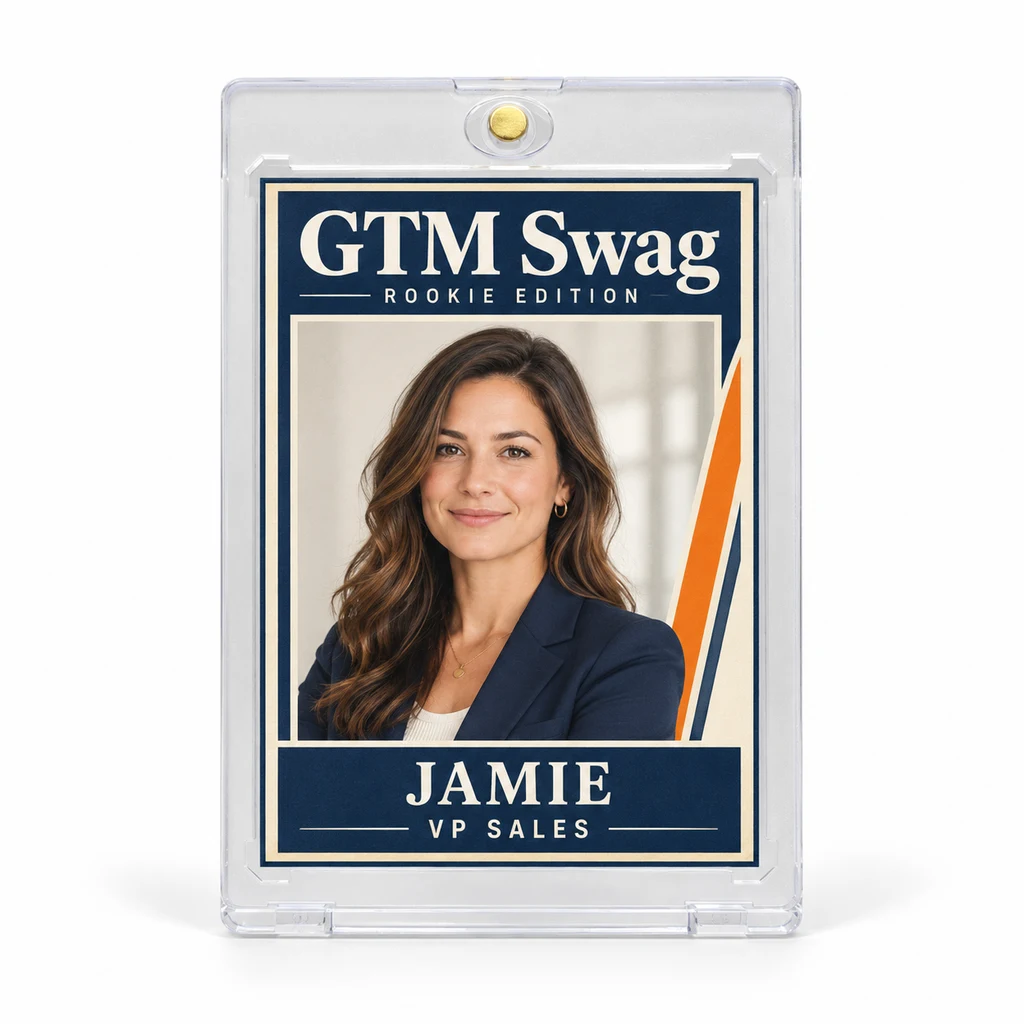 New rolesCongratulate a new VP or a promotion at a target account, with a note that names the role correctly.
-
 Prospecting and ABMGive one named prospect at a target account a specific reason to reply.
-
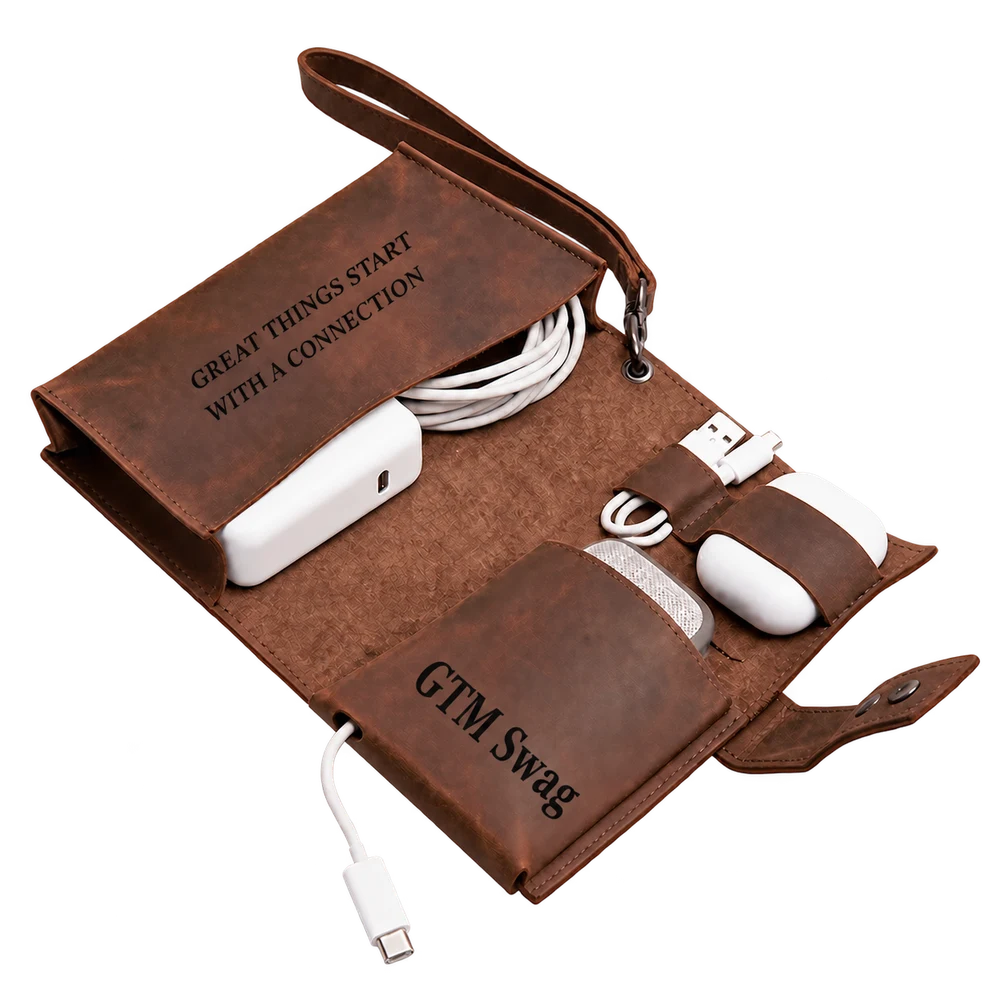 Event follow-upPick up a real conversation from a conference, workshop or dinner while it’s still fresh.
-
 Funding, launches and anniversariesCongratulate a team on a confirmed milestone with something made for it.
-
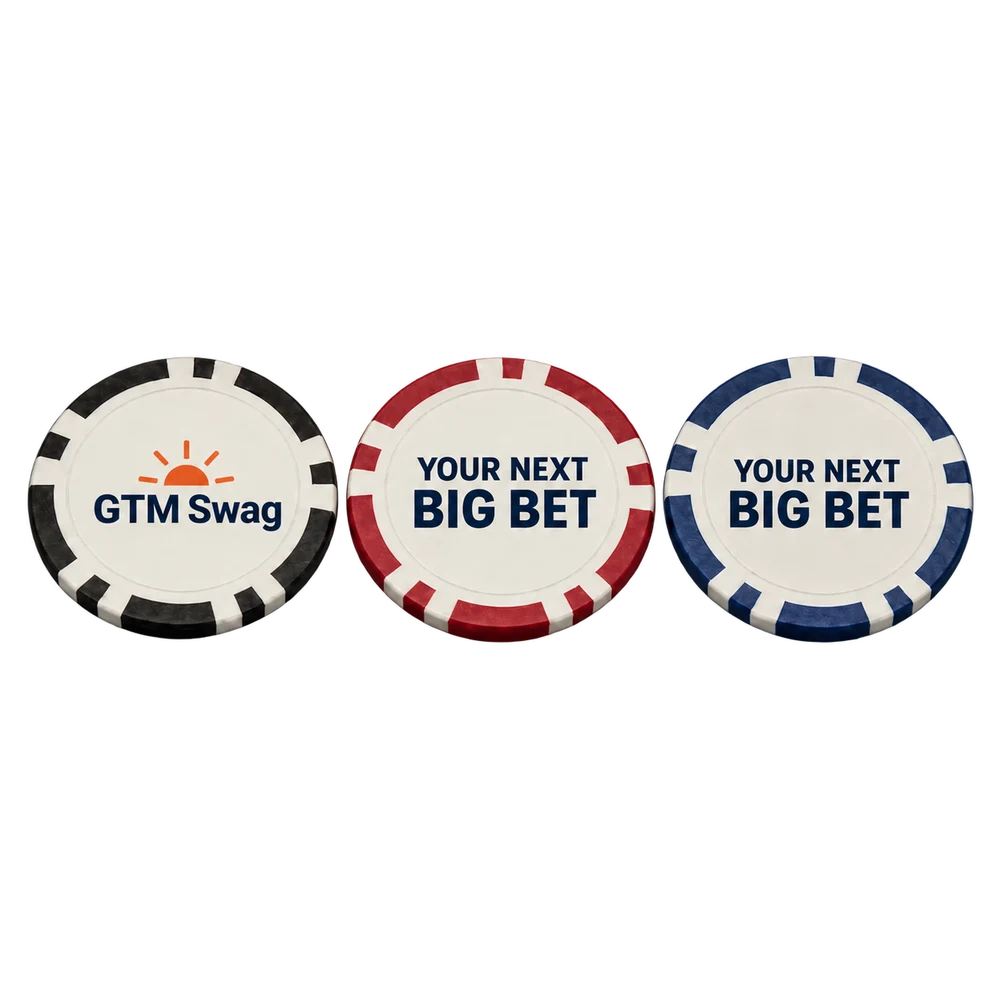 Stalled dealsReconnect around a known priority or something that’s changed, and respect a no.
-
 Customer thank-yousThank the champion who got a deal signed, renewed or referred, with nothing attached.
Run it from the tools you already use
GTM Swag has a REST API and an MCP server, so the tools that already know when a moment happens can add the person. Keys and AI connections can prepare and add; they can’t approve, pay or add funds.
- HubSpotAdd each contact a workflow enrolls to a playbook, then write the result back.How it works
- ClayTurn job changes, funding rounds and event lists into gifts with one HTTP API column.How it works
- ChatGPTTurn the research in your conversation into a gift, a note and a draft your team reviews.How it works
- ClaudeSearch gifts, draft notes and run playbooks from a conversation, with people approving spend.How it works
- API and MCPREST, OpenAPI 3.1 and an MCP server, with idempotent adds and errors that say what to do next.How it works
Comparing platforms? Read what to check in a gifting platform when agents and CRM triggers add people.
What it costs
You pay for gifts. There is no subscription, seat or platform fee, and recipients never pay.
- Price per gift is the catalog price plus delivery, where delivery is known. Applicable US sales tax is included in that amount, not added at checkout.
- “Plus delivery, quoted before you pay” means the gift’s delivery cost is confirmed for the address before payment, and the final price can be higher than the listed one.
- Estimates are confirmed in review. If a price has to change, you approve the new total before you’re charged.
- One-time campaigns are paid by card at checkout by an owner or admin.
- Playbooks draw from a prepaid workspace balance. An owner or admin adds $25 to $20,000 per top-up. A gift cancelled before production, or declined by its recipient, returns its cost to the balance.
- Saving a draft, adding a person or browsing never charges anything.
Example budget
25 × Executive Rookie Card at $41 each
$1,025
Including delivery and applicable sales tax. No subscription or platform fee on top.
What GTM Swag tracks, and what it doesn’t
GTM Swag records each gift’s status (waiting for an address, in production, shipped, delivered), when a recipient first opens their gift link, and what each campaign has spent. Your tools can receive the same events through the API or a signed webhook.
It doesn’t see your email, calendar or deal stages, so it doesn’t know whether anyone replied or booked a meeting. Treat a delivery or an open as a cue for your follow-up, not as a result.
Questions about GTM Swag
Who approves spending?
An owner or admin in your workspace, signed in to gtmswag.com. API keys, AI assistants and workflow tools can prepare drafts and add people, but they can’t approve, pay or add funds. The only spending without a person is auto-approve, within the per-gift limit and monthly budget an owner or admin set.
What if I don’t have the recipient’s address?
Upload it when you have it, and the gift ships straight there. For missing addresses, choose an eligible prepaid gift: each recipient gets a private gift link to confirm a US address or decline, and you send that link in your own message. Your campaign review shows whether this option is available.
Can I try it before anything ships?
Yes. A new workspace can run the whole flow, including approvals, the balance, checkout and gift links, before delivery is turned on. Nothing ships and no real payment is taken until GTM Swag enables delivery for your team. To enable it, email eric@betterswag.com.
Can every gift in the catalog be ordered today?
Every gift can be planned and tried end to end. Before a gift can be ordered for delivery, GTM Swag confirms its price and delivery; your campaign review tells you if a gift can’t be ordered yet.
Is there a minimum order?
No. A campaign can be one gift, a list of up to 500 people, or a playbook that adds people over time, up to 2,000.
Do you ship outside the US?
No. GTM Swag delivers only to addresses in the United States.
Get the meeting.
Reach your next customer with a gift made for them. Preview the gift, the note and the cost before you sign up.