- Delivery included
- Food gift
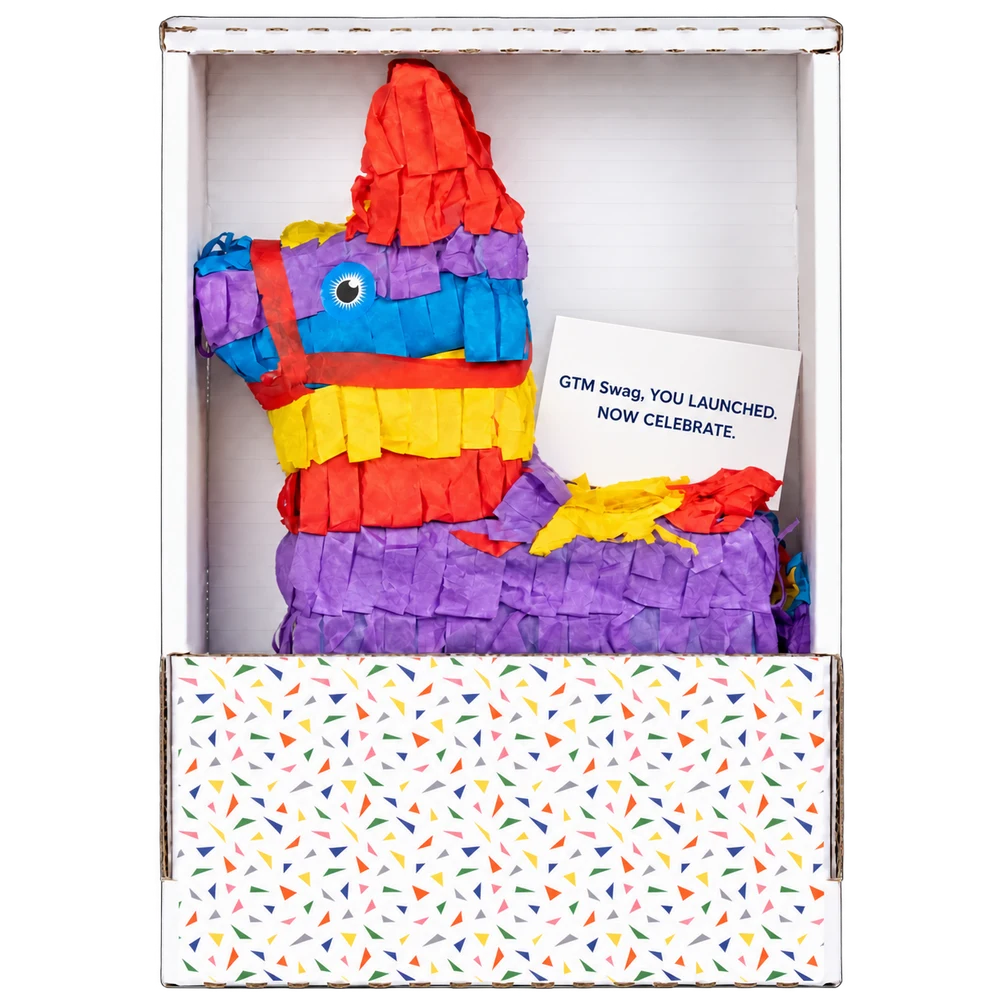
Mini Piñata
A little piñata with a personal message.
For funding and launch signals: a small celebration with your message inside the box, and no artwork to prepare.
Integration · Clay
Clay is where many outbound teams spot the moment: a job change, a funding round, a new contact at a target account. With one HTTP API column, each row that qualifies can add that person to a GTM Swag playbook for your team to approve.
Updated
Nothing to install. Clay’s built-in HTTP API enrichment calls GTM Swag’s API with a workspace key. The Clay guide has the exact column settings and request body; here is how the parts fit.
In GTM Swag’s Integrations, choose Clay and pick or create a playbook. A teammate turns it on, and the page fills in the endpoint for your column.
Add an HTTP API (Headers) account with your key, and keep it only there.
It posts each row’s name, company, title, US address and Clay Row ID to the playbook. Run it on one row first.
People wait for an owner or admin in the approval queue, or auto-approve approves gifts within its limits.
Map the approval state to a column. A Clay webhook table can receive gift events from GTM Swag and update the original row by its Row ID.
| Signal in your table | Play | Why it fits |
|---|---|---|
| Job change or promotion at a target account | New role | The person is new and meeting vendors. |
| Funding round or launch announcement | Company milestone | The team is celebrating something public. |
| A contact at a target account that fits your ICP | Prospecting | You have a specific reason to start the conversation. |
| Attended an event your team ran | Event follow-up | There’s a shared moment to return to. |
GTM Swag doesn’t find these signals itself. It acts on the rows your table sends, and it never invents people or addresses.
Each row sends its Clay Row ID, so rerunning a column, or a whole table, never creates a second gift for the same row. A row that fails because other rows were being added at that moment, or because the workspace hit its limit of 240 requests a minute, saved nothing: rerun it.
Adding funds, raising a limit or turning on auto-approve doesn’t recheck rows already waiting. Rerun those rows after the change and auto-approve evaluates them again, still within its limits.
A playbook uses one gift and one note for everyone, so pick a gift that needs no per-person artwork. To let auto-approve handle rows, choose one with delivery included in its price; gifts with unpriced delivery, recipient photos or age limits always wait for a person.
A little piñata with a personal message.
For funding and launch signals: a small celebration with your message inside the box, and no artwork to prepare.
Keep their name where they set their phone.
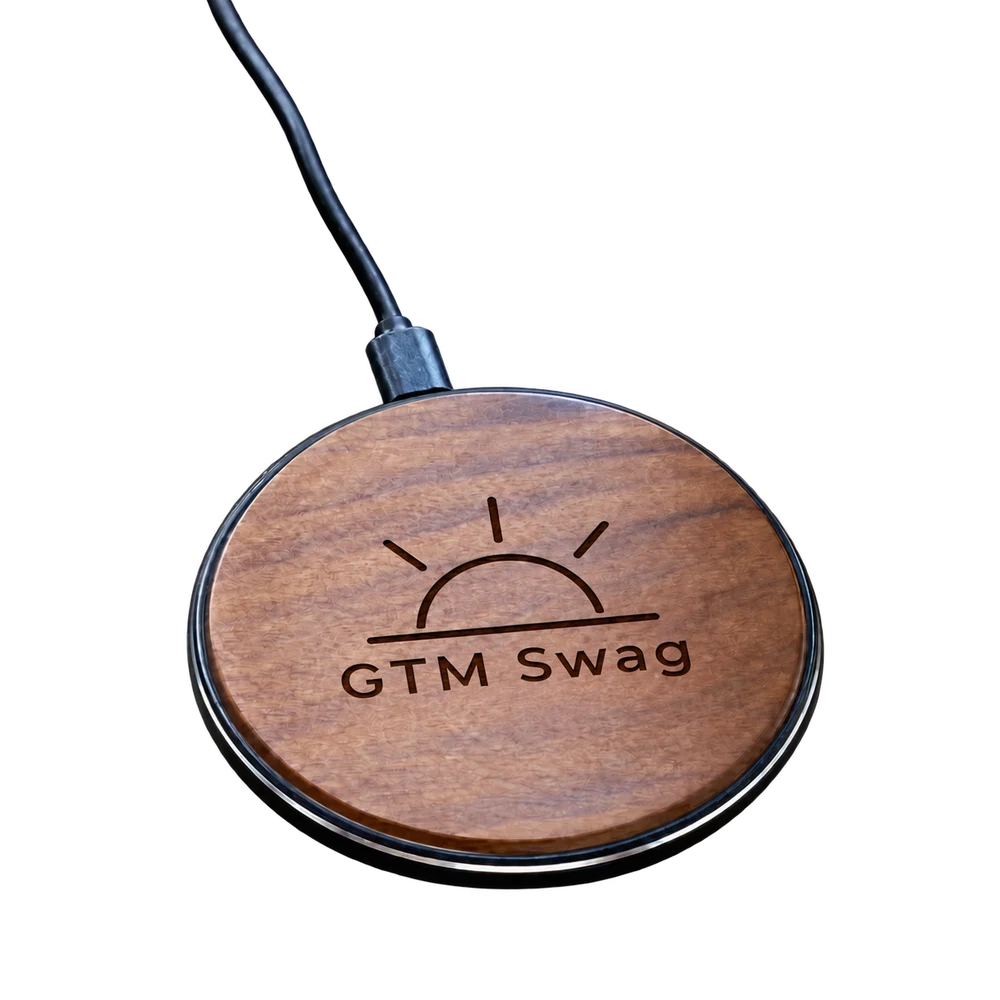
For job-change signals: a useful desk gift engraved with your logo.
Put a small idea on both sides.
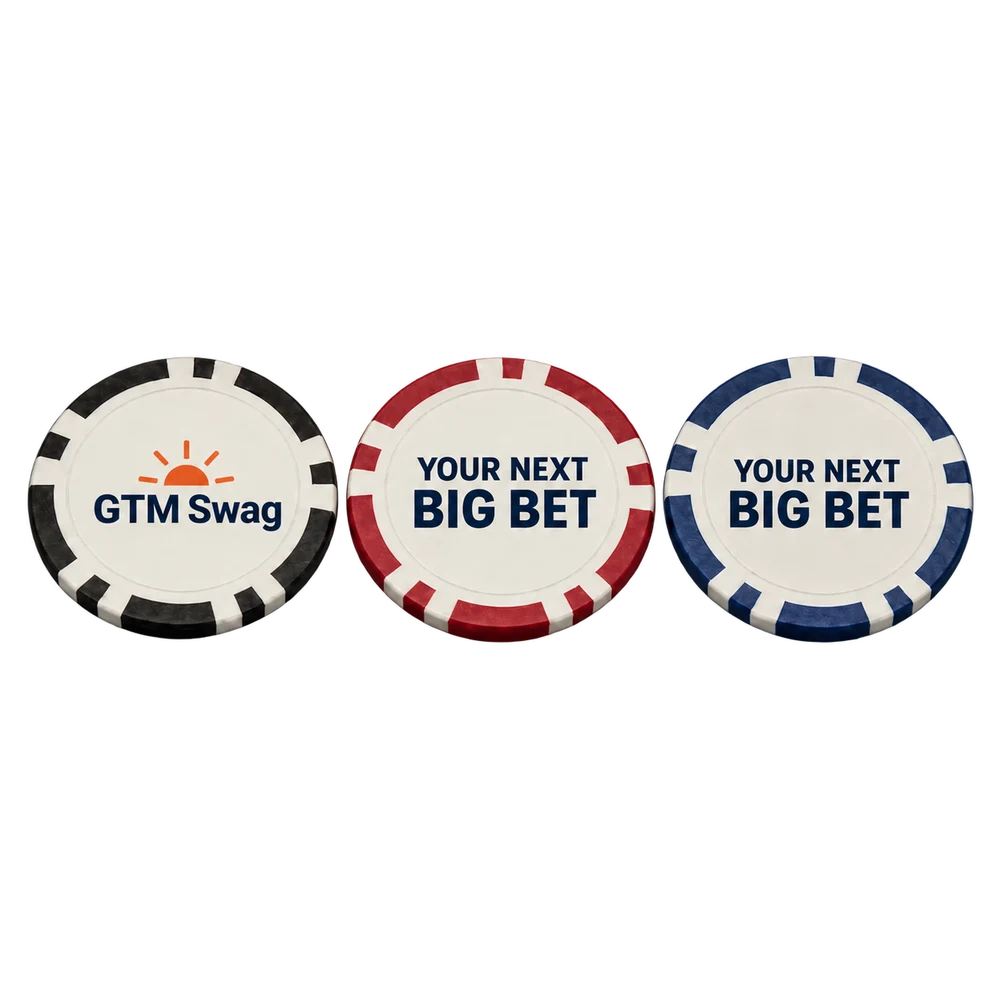
For target-account outreach: one playful design for every row.
Playbook gifts ship to the US address in your table. Once delivery is on, a row without a complete address waits in the queue marked “Needs a shipping address” until you add one. States go in as two-letter codes, such as TX.
New workspaces start with delivery off: every step works, but nothing ships and no real payment is taken, so run your own rows first. To turn delivery on, email eric@betterswag.com, then add funds to the new balance.
No. Clay’s HTTP API enrichment calls GTM Swag’s API with a workspace key. There’s nothing else to install.
No. A workspace key can add people but can’t approve, pay, add funds or change auto-approve. An owner or admin does those in GTM Swag.
A name, a personal LinkedIn profile URL, or the Clay Row ID sent with sourceSystem set to clay. Company, title and email are optional, unless your note uses {{company}}. Include a US address for the gift to ship.
Nothing extra. The same Row ID returns the existing entry and its current approval state, and never approves or charges twice.
GTM Swag can tell Clay when a gift is created, shipped or delivered, or when a gift link is opened. It doesn’t see replies or meetings.
Reach your next customer with a gift made for them. Preview the gift, the note and the cost before you sign up.