- Delivery included
Personalized Team Candle · 7 oz
A thank-you that stays on the desk.
A thank-you for new customers, signed with your company name.
Integration · HubSpot
If HubSpot already knows when a good moment happens, such as a contact becoming a customer or a new VP of Sales at a target account, the same workflow can add that person to a GTM Swag playbook. Your team approves the spend and Better Swag ships the gift.
Updated
There’s no app to install from the HubSpot marketplace. A workflow action calls GTM Swag’s API with a workspace key that you keep in HubSpot’s secrets. The step-by-step HubSpot guide has the code to paste; this page explains how the pieces fit.
In Integrations, choose HubSpot and pick or create a playbook: one gift and one note for everyone the workflow sends. A teammate turns it on.
The enrollment trigger is the moment, for example Job title contains VP of Sales, or Lifecycle stage is Customer. Leave re-enrollment off.
A Custom code action posts the contact’s name, company, title, address and HubSpot record ID to the playbook. A Send a webhook action also works, but it can’t retry when the playbook is busy.
Each contact waits in the approval queue for an owner or admin, unless auto-approve is on and the gift fits its per-gift limit, the monthly budget and the balance.
The code returns the approval state and approval link as outputs you can copy to contact properties. Later updates arrive through events or a signed webhook.
| Enrollment trigger | Play | A gift to start with |
|---|---|---|
| Job title contains VP of Sales or Head of Sales | New role | Executive Rookie Card, $41, delivery included. Waits for photo approval. |
| Lifecycle stage becomes Customer | Customer thank-you | Personalized Team Candle · 7 oz, $33, delivery included |
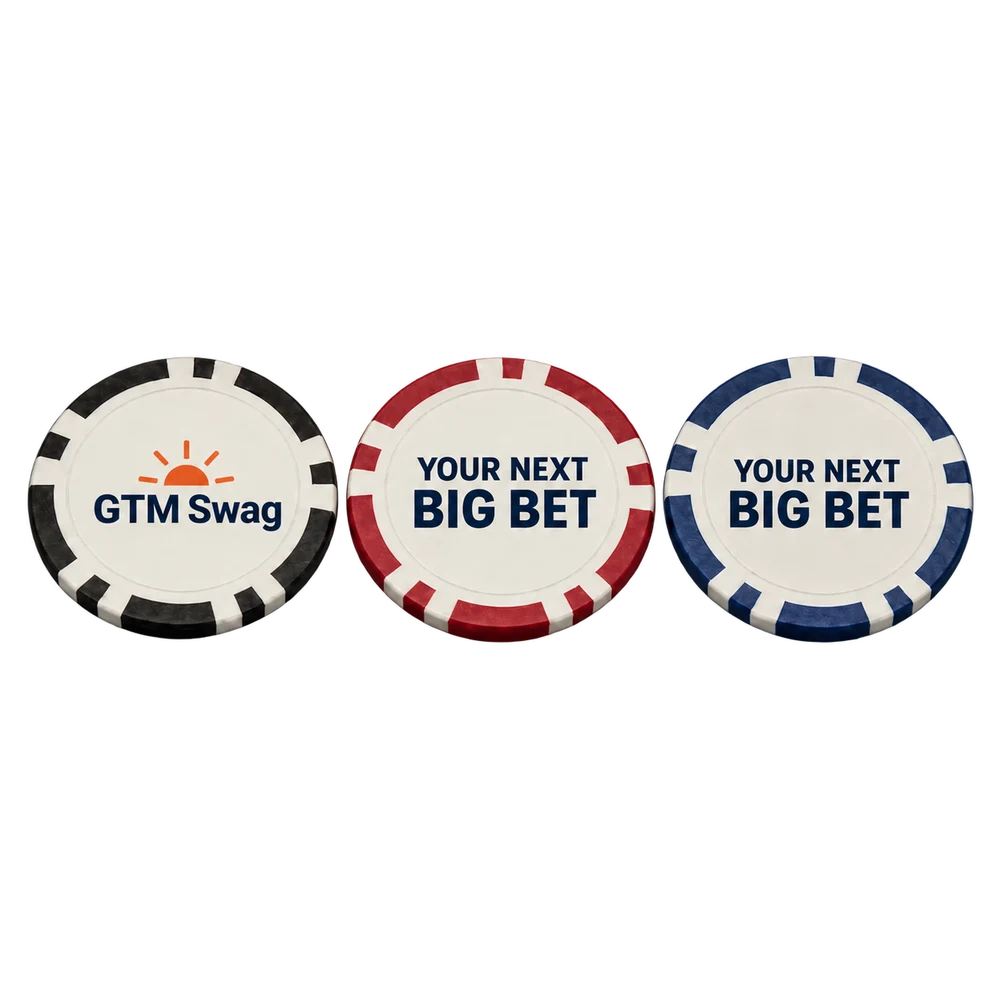
| A rep sets a re-engage property on the contact | Stalled deal | Custom Poker Chips · 10 pack, $36, delivery included |
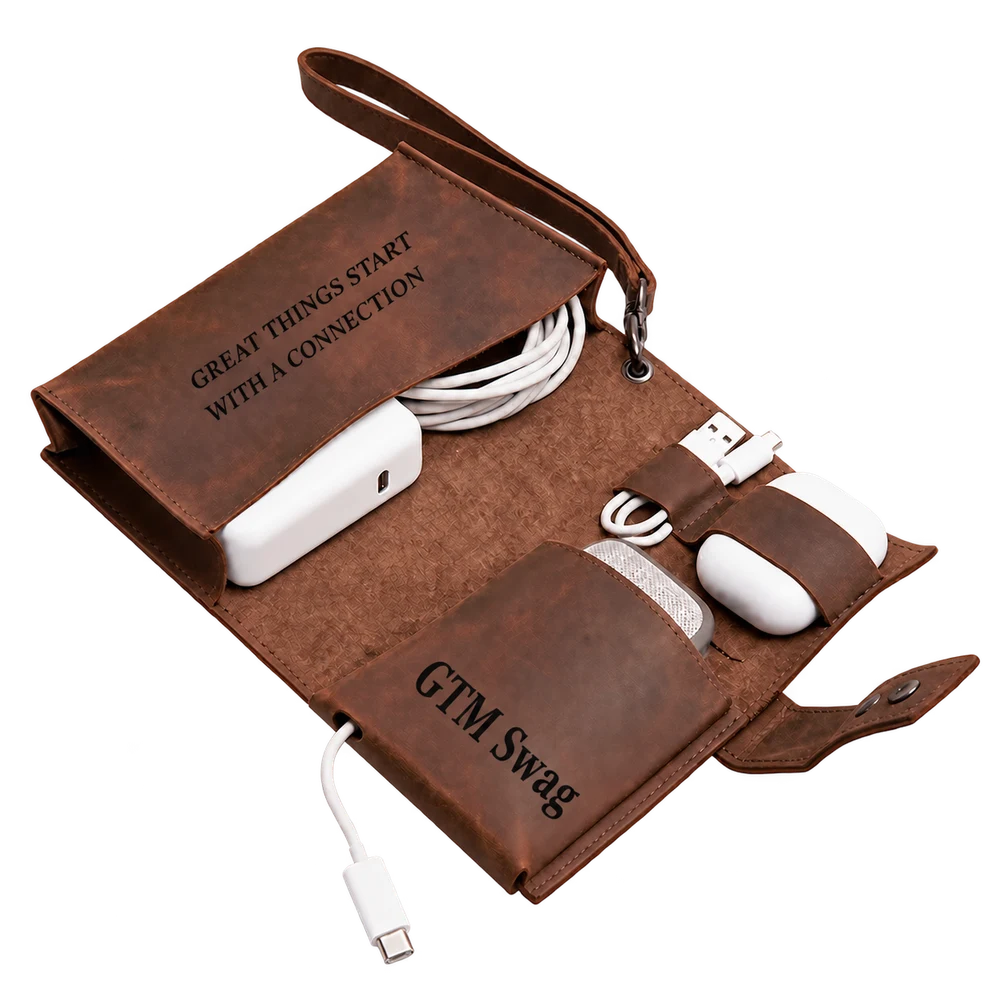
| A rep tags the contact as met at an event | Event follow-up | Personalized Leather Cable Organizer, $53, delivery included |
Auto-approve never approves a gift whose delivery isn’t priced yet, a gift that needs a recipient photo approved, an age-restricted gift or a repeat recipient. Those always wait for a person. If you want HubSpot-triggered gifts to go ahead without waiting, choose one with delivery included in its price, such as:
A thank-you that stays on the desk.
A thank-you for new customers, signed with your company name.
Put a small idea on both sides.
One design for every contact, so the playbook needs no per-person artwork.
A place for the cables they actually carry.
A useful gift with your logo outside and one shared message inside.
Every new workspace starts with delivery off. The workflow runs end to end, including approvals and the balance, but nothing ships and no real payment is taken, so enroll your own contacts rather than prospects while you set it up. To turn delivery on, email eric@betterswag.com. Funds added before then stay in that earlier balance, so add funds again once delivery is on.
No marketplace app. A workflow connects to GTM Swag’s API through a Custom code or Send a webhook action, with a workspace key stored in HubSpot secrets.
Custom code actions need a HubSpot subscription that includes them. Check which workflow actions your plan offers before you start.
No. A workspace key can add people but never approve, pay or change auto-approve. An owner or admin does that in GTM Swag, or sets auto-approve limits ahead of time.
Nothing extra. The playbook matches the contact by its HubSpot record ID and returns the existing entry instead of creating a second gift.
Yes, if you write it back. The add step returns the approval state and link. For later updates, your own workflow can read GTM Swag’s events or receive a signed webhook and update contact properties.
Reach your next customer with a gift made for them. Preview the gift, the note and the cost before you sign up.